GitAegis Cloud · Optional · Opt-in per repository
A capsule on the same laptop as the repository protects you from Git, not from the laptop.
Encrypted on device before upload · Opt-in per repository · Local work never blocks on the network
The operation finishes
The capsule is already on your disk and already restorable, with no network involved.
Encrypted on your device
With a content key derived from your recovery key, held in your machine's credential store. File contents, paths and commit messages go inside the payload.
Ciphertext reaches the account
Plus the metadata needed to store it: an artifact id, the owning account, a size, a checksum, a classification, a creation time.
The laptop is a single point of failure and you already know it
Everything the recovery layer does (capsules, the Flight Recorder timeline, the Operation Journal, the refs/aegis/ refs) lives on the machine the repository lives on.
That is the right default. It needs no account, no network and no trust in anyone else, and it covers the thing that goes wrong most often: an operation you would like back.
It does not cover the machine. A dead SSD, a stolen bag, a laptop that goes back to IT on Friday, a company-issued machine that gets remotely wiped. In those cases your unpushed work, your uncommitted changes and every capsule that would have returned them are on the failed device.
Cloud sync exists for that gap and for nothing else. It is not a substitute for pushing your commits, and it is not a backup product.
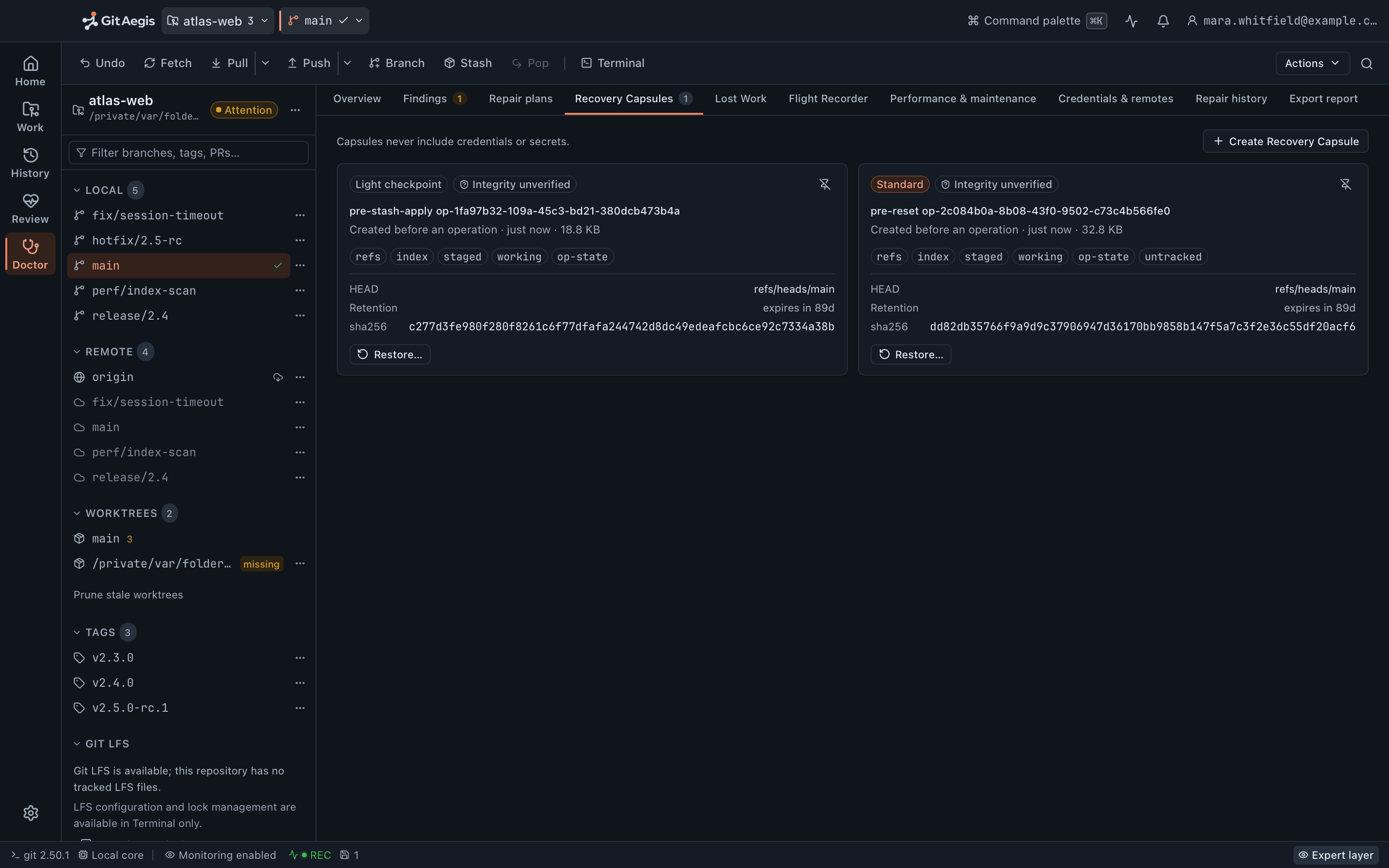
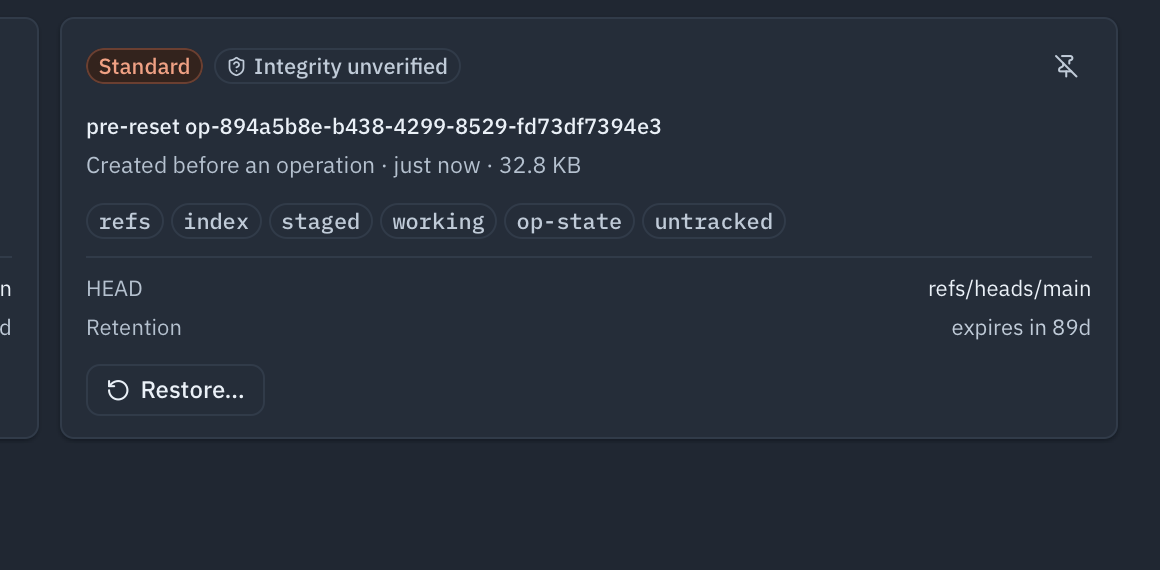
What happens when a capsule is backed up
You enable backup for a specific repository.
Per repository, not per account. A repository under an NDA, a client’s monorepo, or anything you would rather keep entirely local stays entirely local. Backup is off until you turn it on for that repository, and there is no account-wide switch that enrols new ones behind you.The capsule is encrypted on your device.
Content encryption happens locally, before anything is transmitted, with a key held in your machine’s credential store and derived from your recovery key. What reaches the account is ciphertext plus the metadata needed to store it: an artifact id, the owning account, a size, a checksum, a classification and a creation time. Your file contents, your paths and your commit messages are inside the encrypted payload.Upload happens after the operation, and never gates it.
The operation that took the capsule has already finished by the time anything is encrypted or sent. If the network is unavailable, nothing in the local product waits. The capsule is already on your disk and already restorable.A failed upload is reported, not retried behind your back.
An upload that fails comes back as a failure with its reason, and the capsule stays local until you run the backup again. There is no invisible retry loop quietly deciding on your behalf that the capsule is safe somewhere.Restore reverses it.
On a device signed into your account, with your recovery key, a backed-up capsule downloads, decrypts locally, and restores per domain exactly like a local one: through the same planned, previewed, checkpointed operation, with a local capsule of the current state taken first.
The encryption boundary
Plaintext never crosses.
Encryption and decryption both happen on a device holding the recovery key. Everything on the left of this line stays on it; the account only ever holds the right.
On your device
The repository, and its full history
never uploaded by this feature at all
The capsule, in plaintext
readable only here
Untracked files and the working tree
inside the capsule's payload
Your recovery key
and the content key derived from it
Every restore, before and after
decryption happens here, nowhere else
In the account
The capsule, as ciphertext
not decryptable by GitAegis
An artifact id
and the account that owns it
A size, a checksum and a classification
enough to store it, no more
The time it was created
the last field there is
Four fields. That is the whole list: file contents, paths and commit messages are inside the encrypted payload.
Which is what the boundary is for: a compromise of the account yields ciphertext and sizes.
Restoring on a replacement machine
The scenario this feature is for: the laptop is gone, a new one is on your desk.
- Install GitAegis and sign in. The new device is registered against your account. It appears in your device list, and you can revoke it later from a device that is still signed in.
- Enter your recovery key. Without it the ciphertext is not decryptable, including by GitAegis. That is the direct consequence of encrypting on the device, and it is stated plainly below.
- Clone or open the repository. A capsule restores against a repository. It carries the objects it needed as a bundle, not a clone of your history, so fetch the repository from your remote first.
- Download and decrypt the capsule. The download is ciphertext until your recovery key unwraps it on the device. Nothing is decrypted anywhere else, at any point.
- Restore per domain. refs, index, staged changes, working changes, untracked files, operation state: the same six, the same per-domain choice, the same Operation Preview drawer.
The domain people are actually here for is untracked files: the generated fixture, the local .env, the scratch script: the things that were never a Git object and could not have been on any remote.
In the account
The capsule, as ciphertext, with the metadata needed to store it.
On the replacement machine
Signed in, with your recovery key entered: the download decrypts locally, and only there.
Restored per domain
Refs, index, staged changes, working changes, untracked files, operation state: through the same planned, previewed operation, with a local capsule of the current state taken first.
Recovery keys
Your capsules are encrypted with a key derived from a recovery key generated on your device when you first enable backup. It is shown once, and you are expected to put it somewhere real: a password manager, or a printed copy in a safe.
GitAegis does not hold your recovery key and cannot reset it. If the key were recoverable from our side, so would your capsules be. Lose it and the ciphertext stays ciphertext permanently. Support cannot bypass it, and will tell you so rather than taking a ticket.
The recovery key is also how a second device gets in. There is no device-to-device key exchange and no organisation-held copy: a new machine is enrolled by entering the key, which is the same act of custody as the first one.
Storage, and deleting things
Backup storage is bounded by your plan, and the bounds are on the pricing page rather than repeated here.
Deleting is deleting. Remove a backed-up capsule and its ciphertext is deleted from storage. Turning backup off for a repository stops new uploads and leaves the existing ones in place until you delete them. Off does not mean gone, and the two controls are separate on purpose.
What GitAegis does not do is delete on your behalf to make room. There is no automatic eviction of your oldest capsules, and no retention rule that removes one while you are not looking.
The rule that doesn't bend: local work never depends on the cloud
This is an architectural rule, not a best-effort intention. It holds because of where the code runs, not because of an uptime target.
Five things that stay true with the account unreachable
- Capsules are captured locally, always. Whether or not backup is enabled, and whether or not a network exists. The operation's checkpoint is a local write to your disk.
- The refusal rule is local. An operation is refused when the local capsule cannot be taken. It is never refused because an upload failed, because the account is unreachable, or because storage is full.
- Restores work offline. A local capsule restores with no account and no network. Backup adds a second place the capsule survives; it does not become the path a restore goes through.
- The recovery layer is local. Lost Work, the Flight Recorder, the Operation Journal, Doctor and Safe Mode all run against a local repository with the network unplugged.
- A lapsed subscription does not lock your repositories. Your repositories still open, and history, undo, capsule restore and export keep working. Local capsules and the journal are exactly where they were, because they were never anywhere else.
If GitAegis’s servers are unreachable, unavailable, or gone, your Git keeps working. That is the design, and it is the reason the local edition is complete on its own.
What an account-connected install talks to
A cloud plan obviously talks to a server: that is the feature. The paths are worth naming rather than summarising: authentication, encrypted capsule upload and download, and account and device metadata. The provider traffic described on the integrations page is separate, and goes from your machine to your provider.
Telemetry, on any plan, is versioned opt-in consent and is off until you turn it on.
What cloud sync does not do
The list is longer than a marketing page would normally carry, because the alternative is a reader discovering one of these at the moment they needed it not to be true.
Boundaries of the feature
It is not a backup product. It backs up recovery capsules for the repositories you enable. Not your machine, not your home directory, not repositories you have not enabled, not files outside a repository. Keep your actual backups.
It does not sync repositories between machines. Your remote does that. Cloud sync moves capsules, not branches. Two devices on the same repository still fetch and push through Git.
It does not make an unrecoverable thing recoverable. If a capsule was taken you can roll back; if it was not, there is nothing to upload. Backup changes where a capsule survives, not what it contains. The full boundary →
GitAegis cannot decrypt your capsules and cannot recover a lost recovery key. Deliberate, and permanent.
Uploads are bounded. A very large capsule (usually a large untracked domain) can exceed the per-capsule upload bound. It is captured locally as normal and reported rather than silently skipped. You can raise capture bounds per repository or exclude paths from the untracked domain.
Things it is reasonable to expect, and that are not here
There is no remote catalogue to browse. The account holds ciphertext and the metadata needed to store it. It does not hold a per-repository index of your capsules, so a replacement machine cannot list what is restorable by repository, date and originating operation until it has the local record that maps them.
The recovery key cannot be rotated. One key protects what you have stored. There is no re-wrap of existing capsules under a new key, and no organisation escrow recipient, so there is also no arrangement by which an employer becomes able to read them.
There is no usage meter. No per-repository usage view, no largest-capsules list, no approaching-the-limit notification, and no retention rule you can set by age, count or size.
Revoking a device is an account action. It ends that device’s access to the account. It cannot reach onto the disk to remove a key the device already holds, and it does not touch the repositories or the local capsules already there.
No certification claims. GitAegis describes practices (device-side encryption, per-repository opt-in, key custody, deletion behaviour) and does not claim SOC 2, ISO or GDPR certification. When one exists it will be published with its evidence and its scope.
Questions about cloud sync
GitAegis Cloud
Your recovery history shouldn't live on one laptop.
Capsule backup, multi-device recovery, shared workspaces, and org policy.
30 days of Pro. No card is taken, so nothing is charged and nothing renews by itself. When it ends, GitAegis keeps opening your repositories: history, undo, capsule restore and export never stop. What waits for a subscription is making new work.
What Cloud adds
Capsule backup
encrypted on your device, uploaded after the operation finishes
Multi-device recovery
restored on a replacement machine with your recovery key
Shared workspaces
Change Sets, sessions, and branch leases
Org policy
signed rules, applied as preconditions