Documentation · GitAegis 0.1.5
Documentation
Everything GitAegis does, written for someone who already knows Git. No definition of what a commit is. Every page that describes a capability with a boundary states the boundary on the same page.
Lost work right now?
Go straight to Recovering your work. While you read it, do not run git gc, git prune, or git reflog expire. Those three are what turn a recoverable commit into an unrecoverable one.
Requires Git 2.38.0 or newer, already installed · macOS 12 Monterey and later
Orientation
Five modes, ⌘1 to ⌘5
Home, Work, History, Review and Doctor: what each one owns is what each group of articles below covers. Learn the geography once and the index reads itself.
⌘1Homethe repository catalogue⌘2Workstatus, staging and commits⌘3Historythe graph, compare and search⌘4Reviewlocal review: compare refs, read the unpublished commit series, go over the working tree⌘5Doctordiagnosis and repair
Getting started
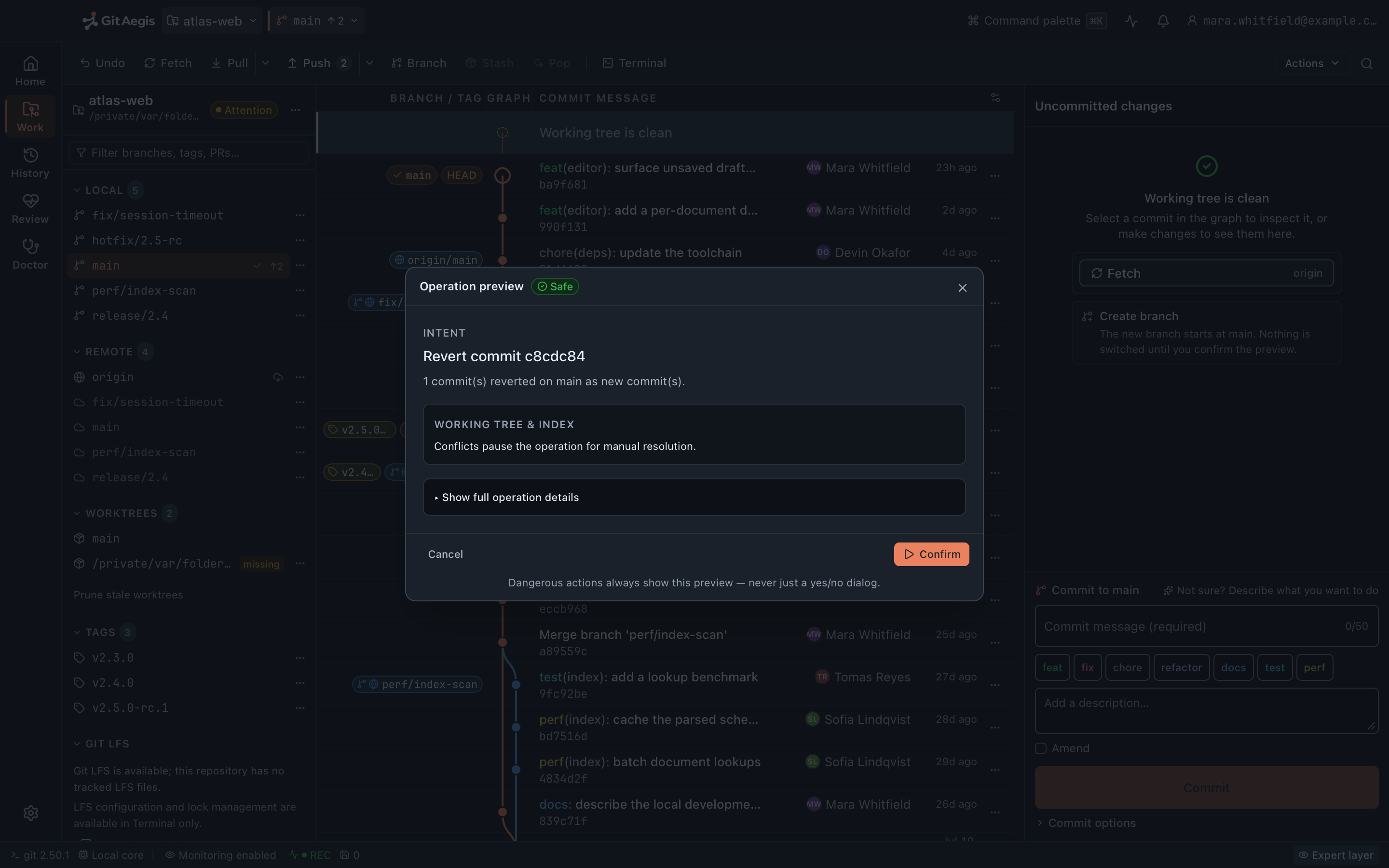
6 articlesInstall it, point it at a repository, and learn where things live.
Install GitAegis
Download, verify the checksum, install on macOS, and confirm your Git version clears the 2.38.0 floor.
Your first repository
Add an existing repository, clone a new one, or discover every repository under a folder tree.
The five modes
Home, Work, History, Review and Doctor: what each one owns and when to be in it.
Keyboard shortcuts
⌘1–⌘5 for modes, ⌘K for the command palette, and the 80%–200% interface-scale keys: the complete bound set, including what this build leaves deliberately unbound.
Settings and appearance
Three themes, interface scale from 80% to 200%, and the five settings groups this edition actually shows.
Migrating from another client
Bring across repositories from Sourcetree, Tower, Fork or GitKraken without re-cloning anything.
Everyday Git
14 articlesThe whole toolkit, and what each operation plans before it runs.
Status and staging
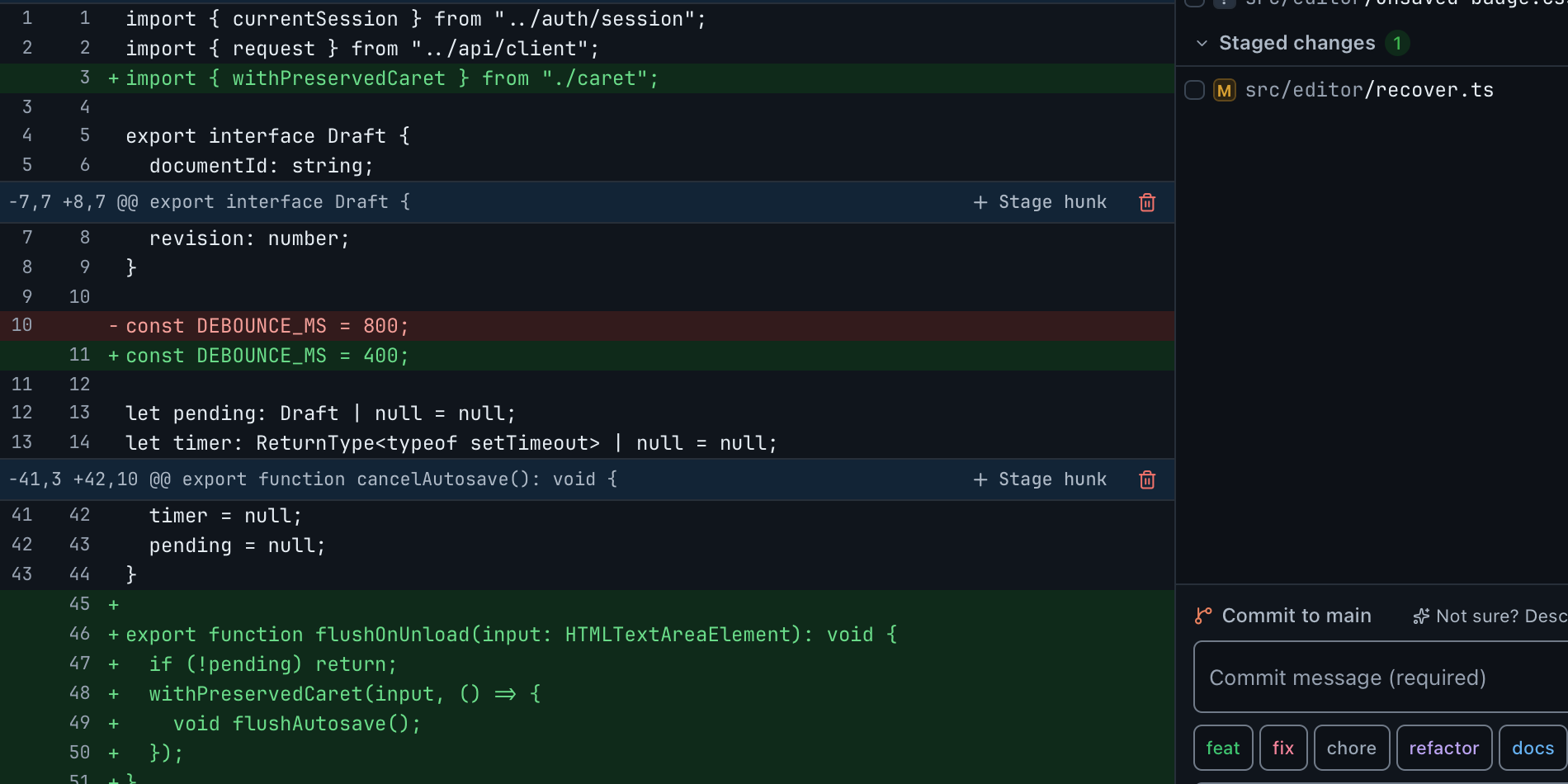
Staged, unstaged, untracked and conflicted files, with hunk-level and line-level staging.
Committing
Author and message, amend with its safety checks, and signing pass-through to your own configuration.
Branches, tags and refs
Create, switch, rename, delete, publish, and read HEAD's reflog with Git's own reason strings.
Remotes: fetch, pull, push
Including publish, prune, and force-push-with-lease, each with its preview and its capsule.
Merging, rebasing, cherry-pick and revert
Merge, rebase, cherry-pick and revert share one plan model: what each one checkpoints, what it rehearses first, and how the sequencer continues, skips or aborts.
Reset, restore and cleandestructive
The three commands that destroy the most work, and what GitAegis captures before each.
Resolving conflicts
Detection, stage-1/2/3 read, resolution, and sequencer continue, skip or abort. External merge tools are never run.
Worktrees
Create, lock, unlock, prune and open, and how sibling worktree HEADs feed Lost Work.
Stashes
Create, apply, drop, branch and clear, and why a conflicted stash apply has no generic resume.
Submodules
Init, update, recursive update, sync and deinit, the status each submodule reports, and why no submodule operation takes a recovery capsule.
Git LFS
Status, missing-object accounting, read-only lock visibility, and fetching LFS objects.
Semantic Composer
The deterministic commit-grouping engine: its rules, its apply path, and why no panel exposes it in this edition.
The command palette
⌘K over the real intent catalogue, with the operation preview attached to each entry: what is in it, what free text does, and what the palette deliberately is not.
The AI commit report
Turning it on, exactly what it sends and what it never sends, and how to read a report so the facts stay separate from the inference.
Recovery
11 articlesThe runbook first. Then how each recovery surface actually behaves.
Recovering your workstart here
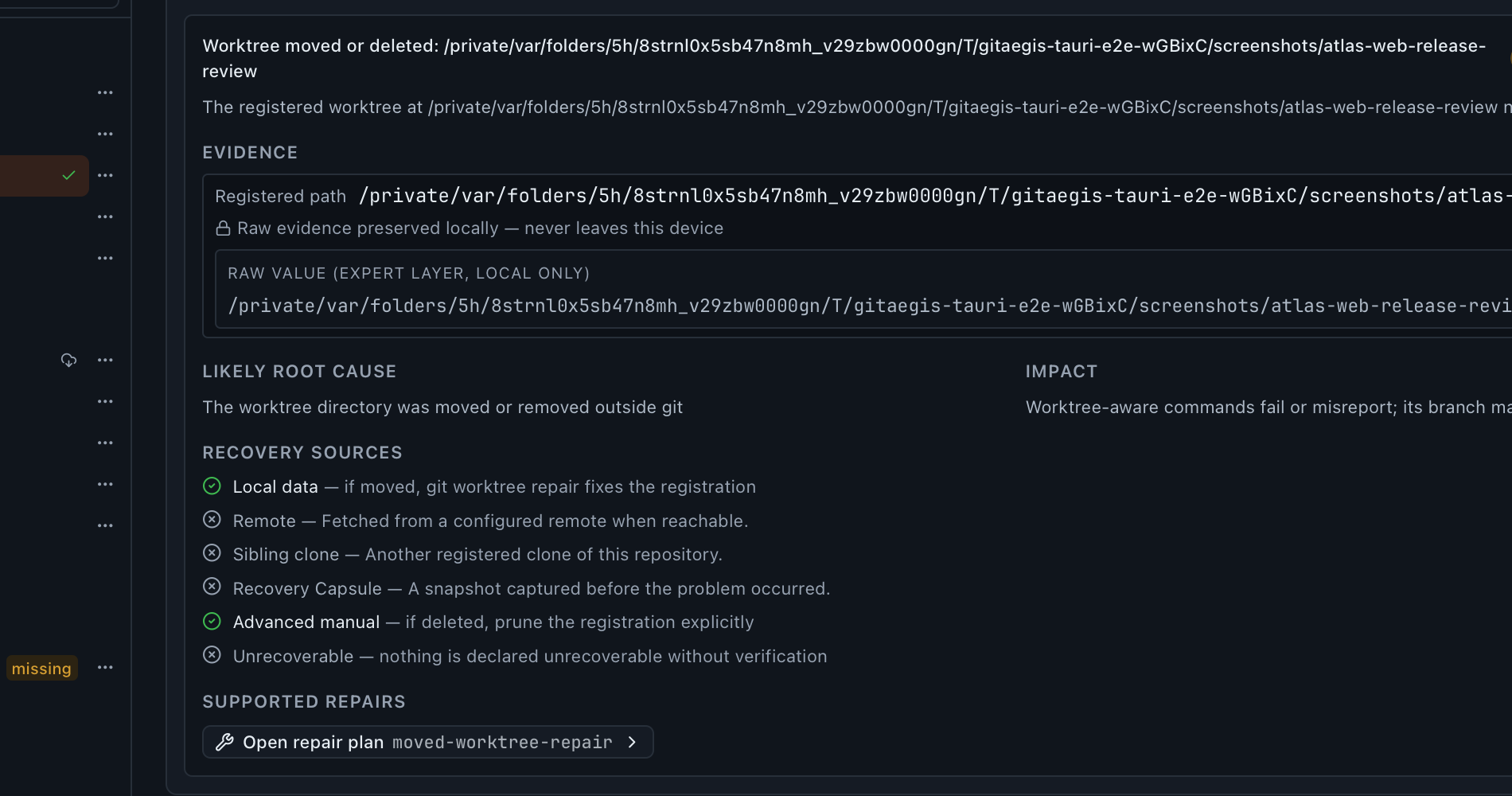
The runbook. What to check, in what order, and what never to run. Start here in an emergency.
Recovery capsules
The six captured domains, when a capsule is taken, where it is stored, and per-domain restore.
What a capsule does not restore
Rebase state, configuration (kept as evidence only), and .gitattributes filters, stated exactly.
Flight Recorder
The repository timeline (refs, HEAD, the index, stashes and worktree registrations) including changes GitAegis did not cause.
Lost Work
Finding commits nothing points at, across every source it scans, and putting a branch back on one.
Safe Mode
What triggers it, what it locks, why it pins core.hooksPath=/dev/null, and how to leave it.
Doctor
Running a scan, reading a finding's evidence, and applying a repair that takes a capsule first.
Operation Preview
Reading a plan: intent, risk level, preconditions, exact commands, checkpoint and rollback.
The Operation Journal
Searching past operations and reading an entry, including outcomes and failures.
After a crash
How recover_incomplete reconciles unfinished transactions, and what requires-intervention means.
The recoverability boundary
The exact promise, what each line of it rests on in the code, and the cases that fall outside it. Read this once, before you need it rather than during.
Reference
10 articlesPaths, environment, credentials, and the things you look up twice a year.
System requirements
The macOS floor, the architectures in the universal binary, the Git 2.38.0 requirement, and disk expectations.
Where GitAegis stores things
The application-support directory, refs/aegis/, and what is written inside your repository.
The environment GitAegis runs Git in
Pinned GIT_CONFIG_*, GIT_TERMINAL_PROMPT=0, and core.hooksPath=/dev/null in Safe Mode.
Credentials and SSH
How your SSH agent, your credential helper and the macOS keychain are used, what the local database records, and what GitAegis never stores.
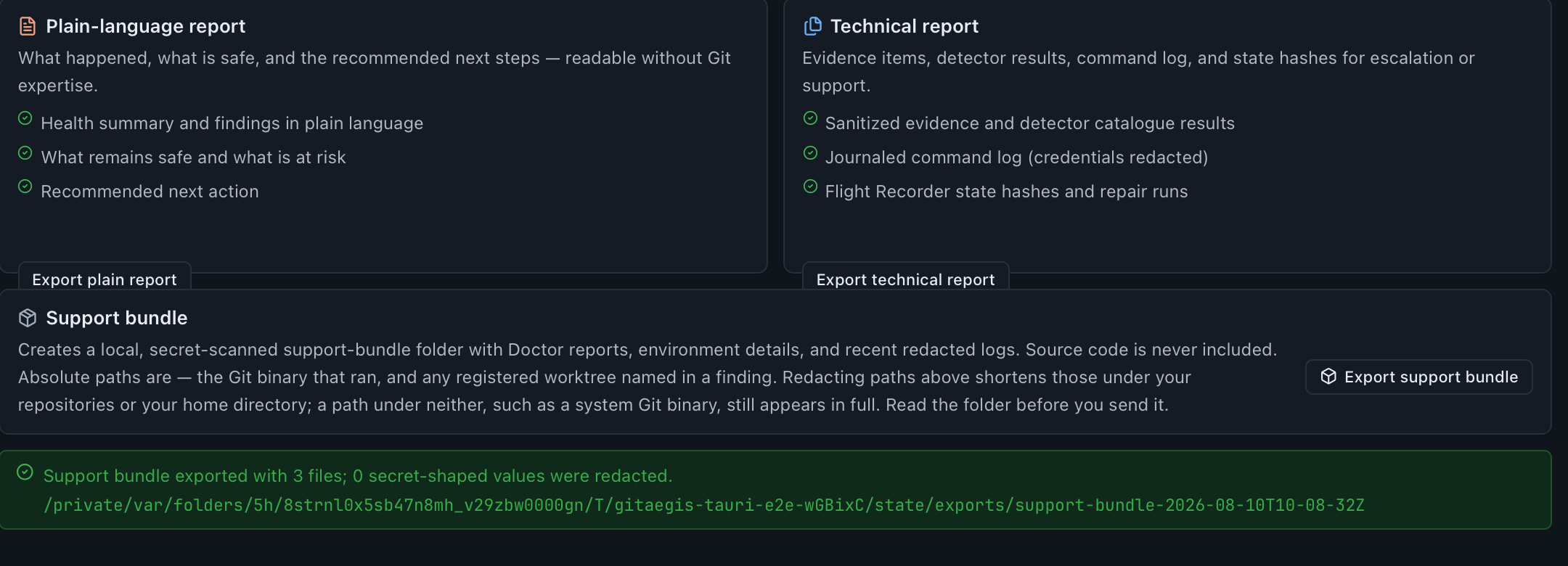
Support bundles
What goes in one, the secret scan, path redaction, and the review step before you send it.
Privacy in the product
Every request GitAegis makes on its own account, named: the update check, the account gateway, and the AI commit report. No telemetry, no analytics, no licence check.
Troubleshooting
Git not found, authentication failures, Safe Mode, requires-intervention, and slow large repositories.
Uninstalling
Removing the application, removing capsule data, and what stays behind in your repositories.
Glossary
Capsule, checkpoint, domain, intent, journal, lease, rehearsal, risk level, state hash, transaction.
Release notes
Every version in full, including fixes.
What this documentation does not cover
The content plan for this site carries three more sections: cloud and accounts, teams, and integrations. They are not listed above, and they are not missing by accident.
- Cloud and accounts. Seat binding, billing, capsule backup and the account area are not running, so there is nothing here to document yet. The one account-backed capability that does ship, the AI commit report, is documented under Recovery and everyday use rather than held back for a group that is otherwise empty.
- Teams. Shared workspaces, Change Sets, org policy and audit are not in the shipping build. Documenting them would describe software you cannot run.
- Integrations. GitHub, GitLab and webhooks are not wired into the desktop application, so there is no integration to configure.
What ships is the macOS desktop application and its recovery layer, and that is what is documented.
Can’t find it?
A missing answer is a documentation bug.
If the answer genuinely is not in the documentation, we treat it as one. Write to support@gitaegis.com and say which page you expected to find it on. That second half is the part that gets it fixed rather than answered once.
Free edition · No account required
A recovery capsule before every risky Git operation.
You see the exact commands before they run, and the operation is refused if the capsule cannot be written.
Requires Git 2.38.0 or newer, already installed.
Every risky operation, in this order
- Previewthe exact commands, shown before anything runs
- Capsulerefs, index, staged and working changes, untracked files, operation state: written to disk first
- Executethe commands as shown, or not at all
- Journalplan, commands, capsule id, outcome